

This article was first published on Deythere.
- The Worrying Trend Of Crypto Scams
- What Are Crypto Phishing Scams?
- Spotting Phishing Red Flags
- The Prevention Checklist For Avoiding Crypto Phishing Scams
- Expert Advice and Analysis
- Conclusion
- Glossary
- Frequently Asked Questions About Crypto Phishing Scams
- What should I do if I clicked a phishing link by mistake?
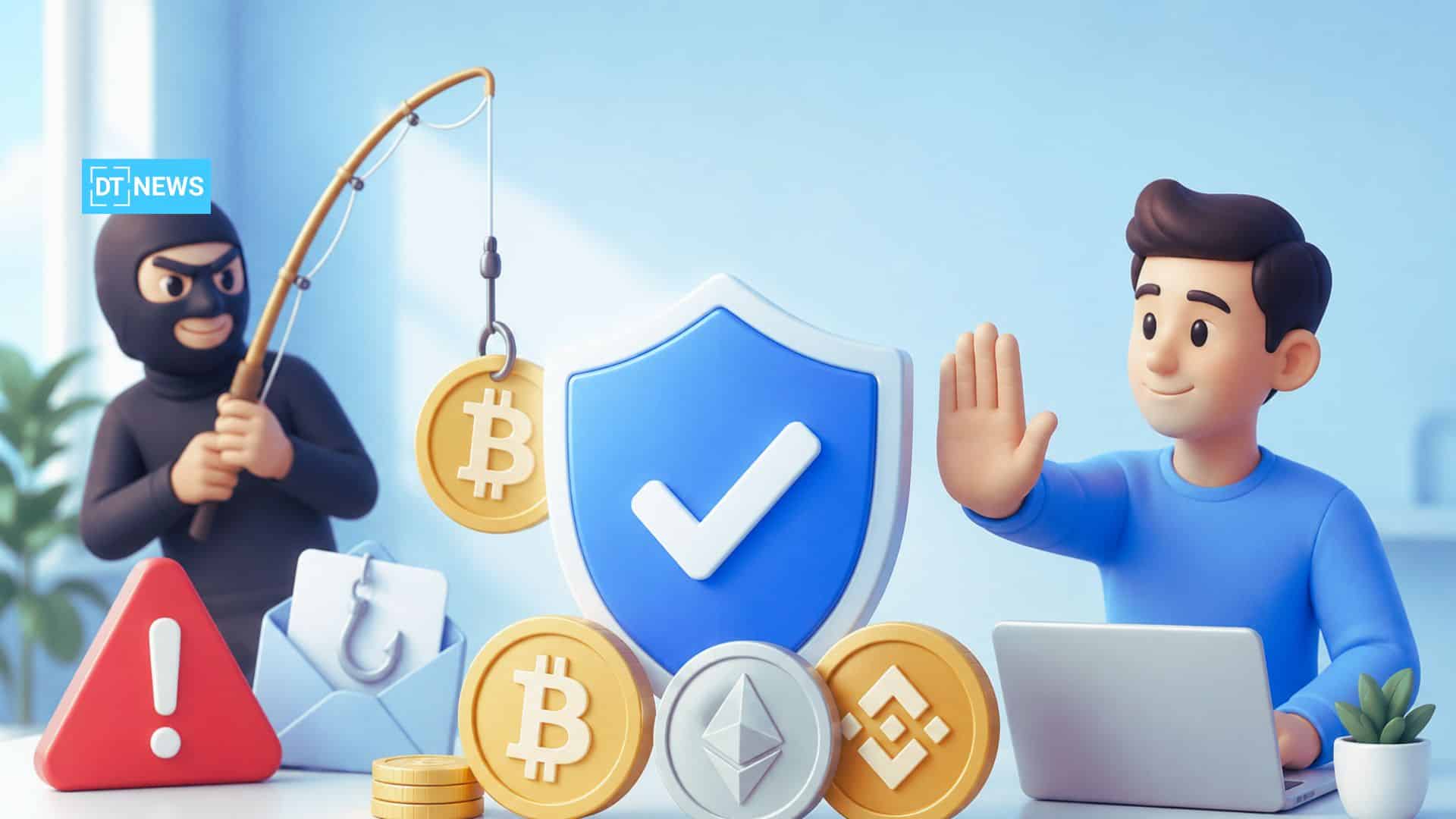
Over the recent years, crypto phishing scams have been on the rise, and it’s no surprise considering how popular digital assets have become. Industry data records massive losses. Chainalysis reported in 2025 that $17 billion were stolen by criminals using crypto scams, with identity-imposture tactics (including phishing) surging almost 1400% year-over-year.
In the US, the authorities also noted that phishing/spoofing was one of the most common complaints they received in 2025.
The Worrying Trend Of Crypto Scams
Cryptocurrency allows for fast, irreversible payments and scammers are exploiting that. The FBI’s 2025 Internet Crime Report revealed that Americans filed over 181,000 complaints involving cryptocurrency, adding up to over $11 billion dollars in losses. Notably, phishing and spoofing were the most common types of scams reported. Scammers are now ‘industrializing’ scams, they’re using AI, phishing kits and large spam networks to target crypto users.
For instance, a single fake “E-ZPass” phishing campaign targeting drivers ran over 330,000 texts in one day, collecting an estimated $1 billion over a few years. That just goes to show how strong modern phishing tools are.
In short, crypto scams are becoming more common and more sophisticated. As of 2026, researchers predict that crypto scams could exceed $17 billion in losses (up from around $12 billion in 2024).
Scammers often pretend to be someone trustworthy and use new-age tools (like deep-fake voices and targeted SMS attacks) to trick victims. These types of losses really drive home the need to learn how to spot and avoid crypto phishing scams.
What Are Crypto Phishing Scams?
A crypto phishing scam is any attempt by fraudsters to impersonate a legitimate cryptocurrency service (like a wallet, exchange or influencer) just to trick victims into handing over their login details or sending them money. Unlike typical retail phishing (where scammers might clone a bank’s website), crypto phishing is specifically aimed at people who use digital assets.
For instance, attackers might send an email or message that looks like it’s from the user’s wallet, asking to “secure your account” by clicking on a link. They might also post fake social media ads claiming users can get free coins if they hand over their wallet key. Their main goal in both cases is to get their hands on users’ private keys, passwords or 2 factor authentication codes so they can drain their wallet.
The common tactics used are:
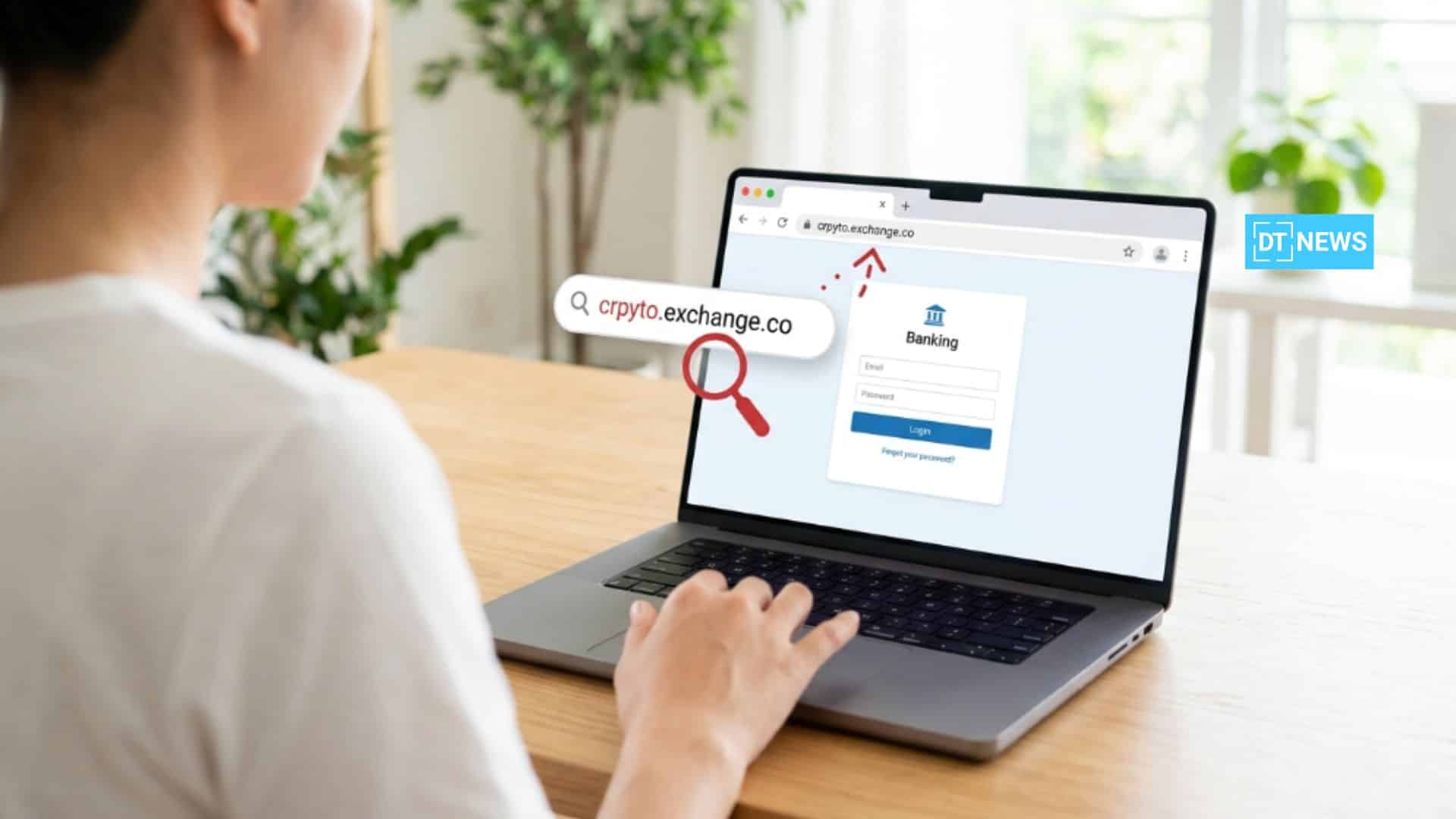
Fake login pages: Scammers create fake versions of exchange or wallet sites (often with slightly different domains) that steal users’ login details the moment they try to use them. One click on a link like this and the crypto private keys are in the attacker’s hands.
Impersonation of support or influencers: Scammers might pretend to be a customer support agent, a famous crypto figure or even a government official, using social media to get in touch with users. They might claim the user’s account was hacked and then ask them to “verify” it by giving them the login details or sending the money to a “secure” address.
Malicious tokens or airdrops: In DeFi and Web3, phishing can involve sending users a fake coin that requires them to approve a contract. Once the user approves that, the “honeytrap” token can let the scammers drain the user’s wallet.
Smishing and voice phishing: Text message (SMS) or phone call scams, often with AI-cloned voices or spoofed sender IDs, pressure users to act immediately and reveal keys. For instance, campaigns have spoofed toll agencies or exchanges to trick people into sending funds to a scammer’s wallet.
The table below highlights some typical crypto phishing scam scenarios and how to recognize and counter them:
| Phishing Tactic | How It Looks | How to Avoid It |
| Fake Email or SMS from Exchange | Email or text claiming your account is at risk or “locked,” urging you to click a link to fix it. Often uses official logos but has typos or strange sender addresses. | Never click links in unsolicited messages. Check the sender’s email/domain carefully. Contact the exchange via its official website or app to verify. Enable anti-phishing codes if available (e.g. Binance’s anti-phishing code). |
| Impersonated Support Chat | A message on Telegram/Discord from someone claiming to be “support” asking for your login or seed. May direct you to an “admin” or fake website. | Remember: legitimate support will never ask for your seed phrase or password. Only use official support channels (use official help pages, not random chats). Verify any request by logging into your account on the real site. |
| Malicious Clone Website | A website that looks almost identical to a popular exchange or wallet site, with a URL off by one letter or using a lookalike domain. | Bookmark official URLs, and always navigate to your wallet/exchange directly (don’t click ad links). Check for HTTPS padlock and the exact domain name. If it asks for unusual permissions or multiple 2FA entries, stop and double-check. |
| Fake Investment or Airdrop Offer | A social post or email promising guaranteed returns or free tokens if you send crypto to an address “as proof of identity.” | Be extremely skeptical of unsolicited offers. Legitimate companies never ask for crypto first. If in doubt, google the offer and see if others report it as a scam. Never authorize a random token or send money without thorough verification. |
| Smishing/Phony SMS | An SMS that mimics your bank or crypto app, saying you must verify a transaction via a link or code. The link goes to a fake site. | Don’t click SMS links. Instead, open the official app or website yourself to check alerts. Use security features like SIM-lock and avoid SMS 2FA if possible. Block suspicious numbers and report them. |
Spotting Phishing Red Flags
Scammers often rely on common red flags that, if recognized, can really help users prevent loss. Watch out for these warning signs:
Urgent or Threatening Emails: Emails claiming your crypto account is about to get shut down or your funds are at risk unless you act fast are classic cryptophishing scams. Impersonation scams rely on people trusting that the text or email they get is legitimate, and they often try to rush you into making a hasty decision.
Requests for Your Most Sensitive Info: Legitimate crypto platforms will never ask for your seed phrase, private keys, or account password via email or messenger. So if someone online is demanding that you send them your secret information, it’s a scam for sure.
Suspicious Links or Attachments: Check URLs before you click on it. A single wrong character can spell disaster (like “binanace.com” instead of “binance.com” for instance). Similarly, avoid opening unexpected attachments or signed transactions from unknown sources.
Grammar and Spelling Errors: Phishing emails often contain typos, odd phrasing, or low-quality graphics. Official emails on the other hand will usually have some sort of anti-phishing code or a few details that are tailored to you. If an email doesn’t have your personal anti-phishing code in it, you should probably not open it.
Too-Good-To-Be-True Offers: Be skeptical of any “guaranteed profits” or “free crypto” offers. The FTC says that only scammers promise big crypto returns, and they often ask for upfront payment in crypto.
Below is a quick reference table to help differentiate real crypto communications from phishing attempts:
| Indicator | Legitimate Crypto Message | Phishing Scam |
| Sender/Domain | Official email/domain (e.g. [email protected]) | Slightly altered domain (e.g. coinbose.com) or random address. |
| Greeting/Name Use | Uses your name or username properly | Generic or incorrect name (e.g. “Dear Bitcoin User”). |
| Content Quality | Well-written with company letterhead/logo and anti-phishing code. | Typos, poor grammar, or mismatched branding. |
| Links Provided | Links to official domain, or “verify your identity” via logged-in session. | Urgent “click here” links to unknown URLs. Hover to check if URL looks right. |
| Requests Made | Reminders about new features, security checkups (never includes private keys) | Asks to enter seed phrase, wallet private key, or to send crypto to a specified address. |
| Sense of Urgency | May note a deadline gently (e.g. updated TOS) | Threatens immediate action or loss (e.g. “Your account will be deleted!”). |
| Two-Factor Code | Company will never ask for your 2FA code to be entered on a website for them. | If someone asks you to provide a 2FA code shown on your device, it’s almost certainly a scam. |
The Prevention Checklist For Avoiding Crypto Phishing Scams
Preventing crypto phishing scams boils down to making good habits second nature and being picky about the tools you use. Here are some expert tips to keep you safe:
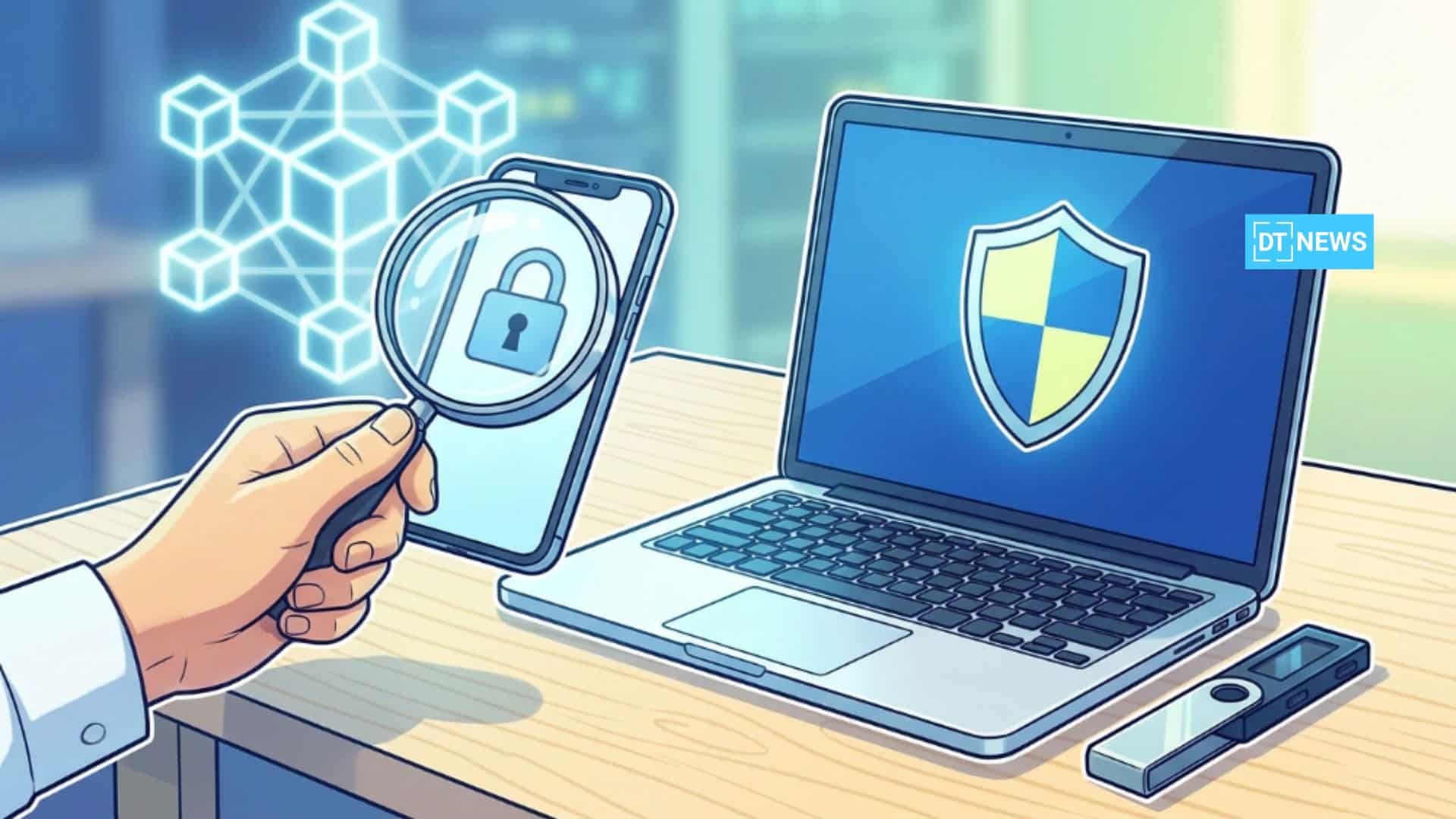
Only Use Trusted Wallets and Exchanges : Stick to exchanges and wallets that have a solid reputation when it comes to security (e.g. hardware wallets like Ledger/Trezor, or reputable exchanges like Coinbase, Binance, Kraken). Double check the URL to avoid falling for fake sites, bookmark them instead to avoid misspelled or lookalike sites.
Enable Hardware and 2FA: Move your funds to a hardware wallet when you can, and always enable two-factor authentication on any exchange accounts. If you can go the extra step, use a hardware-based security key instead of SMS or app code. Anyone is vulnerable to crypto phishing scams unless their wallet and exchange are using hardware security or multi-sig to cut off common phishing routes.
Set an Anti-Phishing Code: A lot of exchanges (like Binance and Coinbase) let you set a personal pin or phrase that shows up in every legit email you get from them. If an email from “Binance” doesn’t have it, then it is fake.. It is a simple way to stop impostors from tricking users via email.
Keep Your Software Up to Date: Always run the latest version of your wallet apps and your device’s firmware. Scammers will look to exploit known vulnerabilities (like fake wallet apps on app stores) and rely on stale software for easy break-ins.
Verify Before You Act: Whenever you receive an unexpected crypto request be it an email, text, or DM, pause and verify. Contact the company or person through an official channel, don’t just click on links in the message. If in doubt, stop and go through proper channels.
Never Give Away Your Seed Phrases or Passwords : This point cannot be stressed enough. No legit service is ever going to ask for your wallet seed phrase or private keys, so if anyone does ask for them, you can be sure it’s a scam. Never hand over your seed phrase and never transfer cash under pressure, treat it as a red flag.
Watch Out for Deepfakes and AI Tricks: Scammers now use AI to forge voices and faces, so be on the lookout for those. If someone claims they are a company executive or shows a video asking for help, verify independently. Today’s phishing emails and videos can be perfectly convincing” thanks to AI. Always go through an official channel to confirm high-stakes requests.
Use Scam-Reporting Tools: Many platforms let you verify or report suspicious activity like Binance’s Binance Verify tool which lets users check if a link or channel is genuine. Similarly, regulators and police cybersecurity units (like AFP’s JPC3 in Australia) provide scam report systems. If you suspect a phishing attempt, report it so others can be warned.
The checklist above acts as a strong “shield” against crypto phishing. Combining technology (2FA, hardware wallets) with vigilance (double-checking any requests) is the best way to ensure scammers never gain access to your keys.
Expert Advice and Analysis
Industry experts and regulators explain that to stay safe from crypto phishing scams, users need multiple layers of protection involving technical safeguards and educated skepticism.
The California DFPI points out that scammers like to use “bogus text messages, spam calls, and phishing” as part of their toolkit.
Binance’s security team and regulators have a consistent message of “trust, but verify”. Always verify communications through the official tools and never feel pressured into sending funds to a wallet that you haven’t personally verified. This means even if a message looks 100% legitimate, it is still worth stopping to do your own independent check.
Experts recommend adopting an “if in doubt, don’t” attitude when it comes to random links or crypto offers that are too good to be true. In other words, you are your own first line of defense.
Lastly, education and awareness are very important. By staying on top of new scam trends, everything from clone websites to cryptojacking QR codes, you can spot threats early. The combination of official guidance and community vigilance is the best way to keep phishing attackers at bay.
Conclusion
Crypto phishing scams keep getting serious for crypto users since scammers are now using AI and social engineering to their advantage. However, with good user habits and the right tools at your disposal, one can cut down their effectiveness by a great deal.
Always be skeptical of unsolicited requests, double-check every link or sender, and use strong security (hardware wallets, 2FA, anti-phishing codes) to protect your assets.
By staying informed and on your toes, crypto investors can stay one step ahead of phishing attempts and keep their digital funds out of the scammers’ clutches.
Glossary
Phishing: A social-engineering attack where scammers send fraudulent messages (email, SMS, etc.) that appear to be from a legitimate source, in order to steal personal information or install malware.
Two-Factor Authentication (2FA): This is a security process that requires two different forms of verification (usually something you know, like a password and something you have like a code) before you can log in.
Seed Phrase: A secret phrase consisting of typically 12–24 words used to access and recover a cryptocurrency wallet.
Hardware Wallet: A physical device that securely stores cryptocurrency private keys offline, making it much harder for hackers or malware to steal them.
Deepfake: Synthetic media (audio or video) generated by AI that mimics real people’s voices or faces.
Smishing: Phishing conducted via SMS text messages. In crypto smishing, scammers send malicious links or requests to your phone to steal login info or spread malware.
Frequently Asked Questions About Crypto Phishing Scams
What is a crypto phishing scam?
A crypto phishing scam is a fraudulent activity where crypto users are tricked into handing over their login credentials, private keys, or crypto funds by scammers who pretend to be legitimate crypto services (like exchanges or wallets). To get to users, these scammers will often use fake websites, emails, or messages that are designed to look like they’re official, all in a bid to get hold of users’ sensitive info.
How can one spot a crypto phishing email?
Common signs to look out for include an email address from an unknown sender or a suspicious-looking domain name, unexpected requests for personal info like seed phrases, urgency or threats, and typos or strange formatting.
What should I do if I clicked a phishing link by mistake?
If you clicked a suspected phishing link, immediately disconnect from the internet and do not enter any information. Then change your passwords and 2FA methods on all crypto accounts, preferably using a secure device. If you sent any funds, contact your exchange support and local law enforcement right away. Report the scam through official channels (e.g. the exchange’s fraud hotline or a cybercrime agency). Stopping further communication with the scammer is crucial.
Will an exchange or wallet provider cover your losses if you get scammed by a phishing email?
Most crypto exchanges and wallets won’t compensate you for falling for a scam. Cryptocurrencies aren’t guaranteed or insurable and once you send your funds out, it is gone unless the person on the other end decides to return it.
Are hardware wallets completely safe from phishing attacks?
Hardware wallets really do reduce the risk, but they’re not foolproof. They keep your private keys safe offline but scammers can still trick users into approving a malicious transaction on them if you’re not careful. To avoid this, always double-check on the screen itself what you’re agreeing to on the hardware wallet, and never sign off on anything suspicious.
References
Federal Bureau of Investigation (FBI)
Disclaimer: This information is provided for general awareness and security purposes only. It does not constitute financial, legal, or investment advice. So, always consult experts and official resources before making any decisions about cryptocurrency.